World saves and automatic backup rotation are separate settings on a Valheim dedicated server. -saveinterval controls how often the world is saved. -backups, -backupshort, and -backuplong control the number and spacing of automatic backups kept.
You can shorten the world-save interval without changing the backup rotation. The official Steam server guide gives the defaults and identifies the Windows and Linux startup files. The server’s actual data path matters when you need to find its worlds.
World Saves and Backup Rotation
| Parameter and Default | Effect |
|---|---|
-saveinterval 1800 | Saves the world every 1,800 seconds, or 30 minutes. |
-backups 4 | Keeps four automatic backups: one at the short interval and three at the long interval. |
-backupshort 7200 | Sets the short backup interval to 7,200 seconds, or two hours. |
-backuplong 43200 | Sets the interval between subsequent backups to 43,200 seconds, or twelve hours. |
The server guide describes the default rotation as one backup that is two hours old and three more backups twelve hours apart. Shortening -saveinterval alone does not increase the number of backups kept.
Edit the Startup File
- Stop the running server with Ctrl+C in its command window.
- In Steam, right-click Valheim Dedicated Server and choose Manage → Browse Local Files to open the installation folder. If the program is missing, enable Tools in the Library and install it.
- Copy
start_headless_server.baton Windows orstart_server.shon Linux. Steam updates reset the original file. - Edit the existing server launch command in your copy. Keep the world name and password unchanged if you only want to adjust saves and backups.
- Save the file and launch your edited copy directly. The Steam shortcut launches only the original filename.
Example: Save the World Every 15 Minutes
For a 15-minute interval, set -saveinterval to 900 seconds. With the backup values left at their defaults, this portion of the launch command reads:
-saveinterval 900 -backups 4 -backupshort 7200 -backuplong 43200Add these arguments to your existing launch command; they are not a complete command by themselves. This changes the world-save interval while keeping the stated backup count and intervals.
Find the Data Directory
First check whether your launch command uses -savedir [PATH]. That argument overrides the default location for worlds and permission files. Without it, the guide lists these default paths:
- Windows:
../%USERPROFILE%/AppData/LocalLow/IronGate/Valheim - Linux:
~/.config/unity3d/IronGate/Valheim
Only if you use the included docker_start_server.sh, also check DOCKER_DATA_VOLUME in that script. By default, it stores data in the valheim_server_data Docker volume. If you set it to a filesystem path, create that directory before running the script.
If a change is missing, check that you launched the edited startup file. Game server connected means the server is ready to accept connections; it does not show that a backup has already been made at the selected interval.
Sources
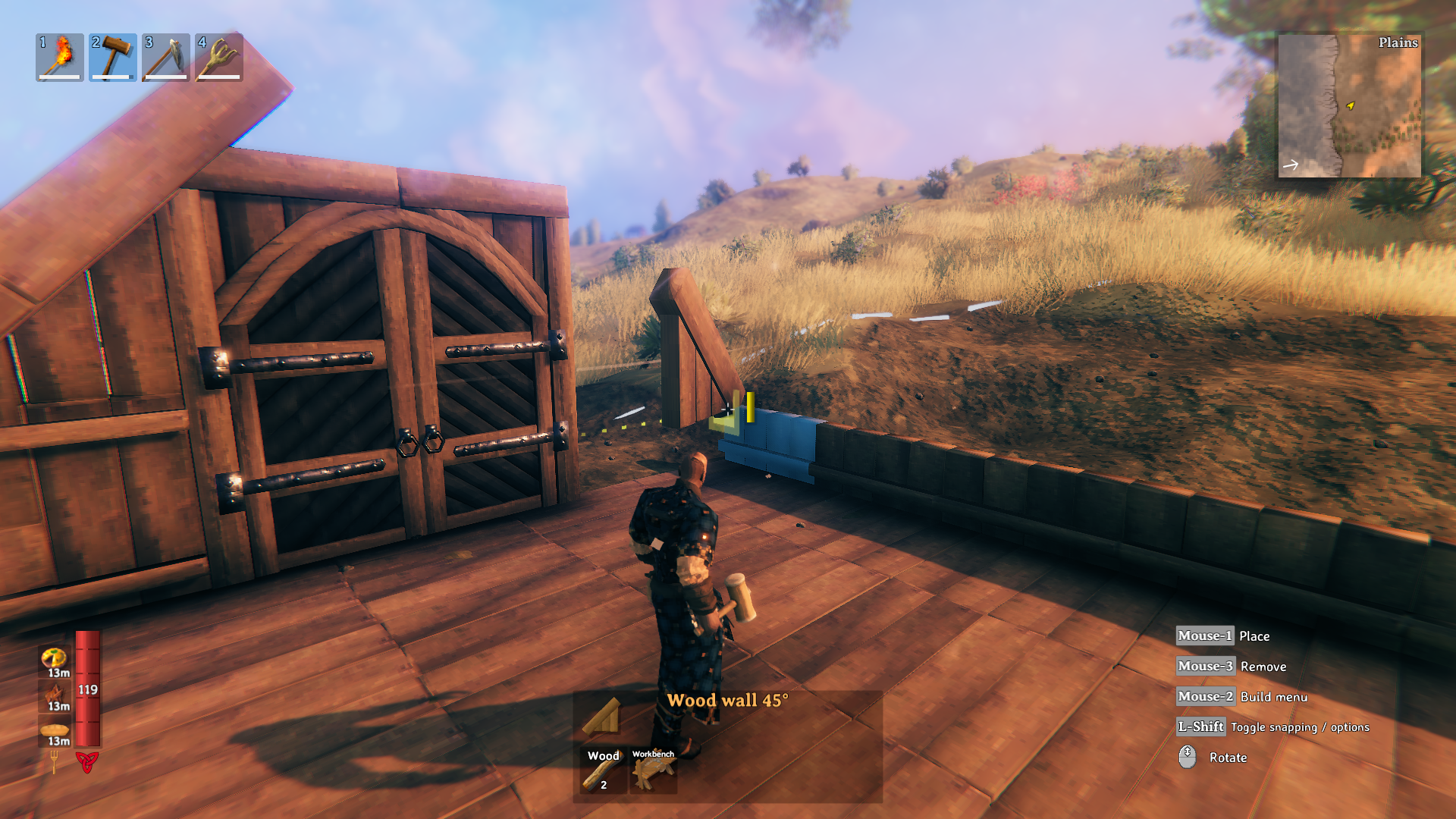
Cover Image: Valheim: a character holding a hammer while building a wooden house. © Iron Gate AB. · www.valheim.com