
Buying DLC for V Rising on PlayStation 5 does not necessarily make every item or variant usable immediately. Stunlock Studios says DLC items unlock as you research or discover equivalent item tiers through normal progression. For a cosmetic variant of a vampire form, you also need the form itself and must select the variant in the game’s menu.
First check whether you have met the in-game requirement and selected the cosmetic. If purchased content remains inaccessible after it should be available, Stunlock recommends restoring licenses on your PS5. That step can address an access problem with a game or add-on, but it does not advance your character through V Rising’s unlocks.
Check the In-Game Unlock First
A purchase does not skip normal unlock conditions. Stunlock says DLC items become available when you research or discover equivalent item tiers. If an owned item is missing, check whether you have reached its corresponding tier in the game.
Stunlock’s official PS5 FAQ gives a specific form-cosmetic example: the Soul of the Wolf variant becomes available after you defeat the Alpha Wolf and unlock Wolf Form. This explains that variant’s progression requirement; which cosmetics you own depends on the content you purchased.
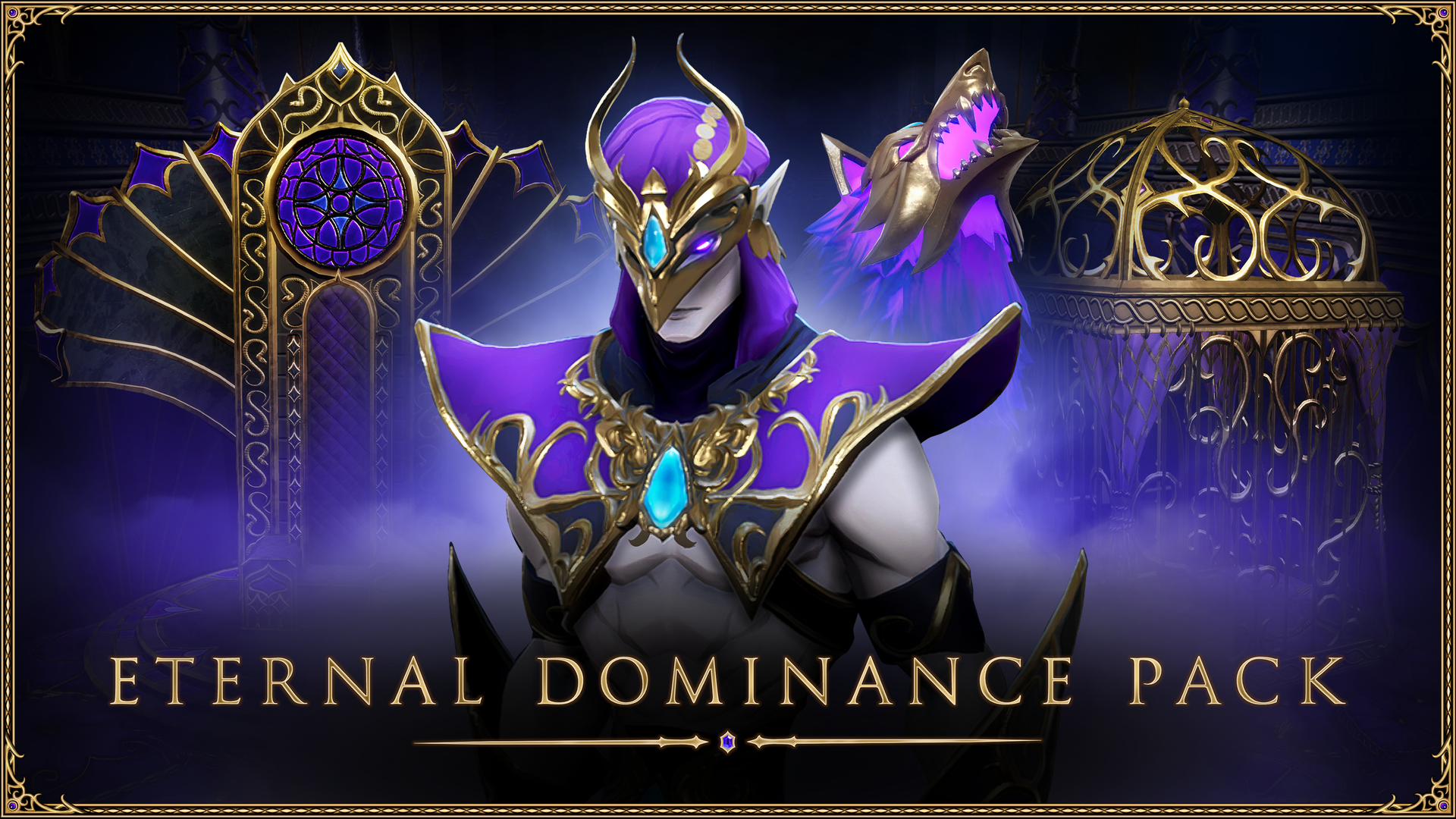
The separately sold Eternal Dominance Pack has an additional save requirement: the world must have been created in version 1.1 or later. Its official PS5 product page says the pack is incompatible with earlier saves. You can keep playing those worlds, but this DLC is unavailable in them. If that particular pack is missing in a world created before 1.1, check the save generation before treating it as a license problem.
Select a Form Cosmetic in Vampire Powers
Once you have unlocked a vampire form and own a cosmetic variant for it, open Vampire Powers. On PS5, press the square button [□] there to change the cosmetic on a form you have. Unlocking the form and selecting its variant are separate steps.
Restore PS5 Licenses If Access Still Fails
If you have met the progression requirement and checked the relevant cosmetic but purchased content is still inaccessible, follow Stunlock’s license recommendation. The current path from PlayStation Support is:
- On your PS5, go to Settings > Users and Accounts > Other > Restore Licenses.
- Select the licenses you want to restore.
- Return to V Rising and check the affected content after its in-game requirement has been met.
You can also highlight V Rising on the home screen or in your game library, press the options button and choose Restore License. Sony says restoring licenses does not affect your data and may help when a game or add-on cannot be found. It will not complete an outstanding in-game unlock. If owned content is still missing after you meet its requirements, see Stunlock’s PS5 FAQ for further support.
Sources
- playvrising.com
- store.steampowered.com
- guides.playvrising.com
- www.playstation.com
- blog.stunlock.com
- www.playstation.com
- store.playstation.com
Cover Image: Stunlock Studios · playvrising.com
Comments