
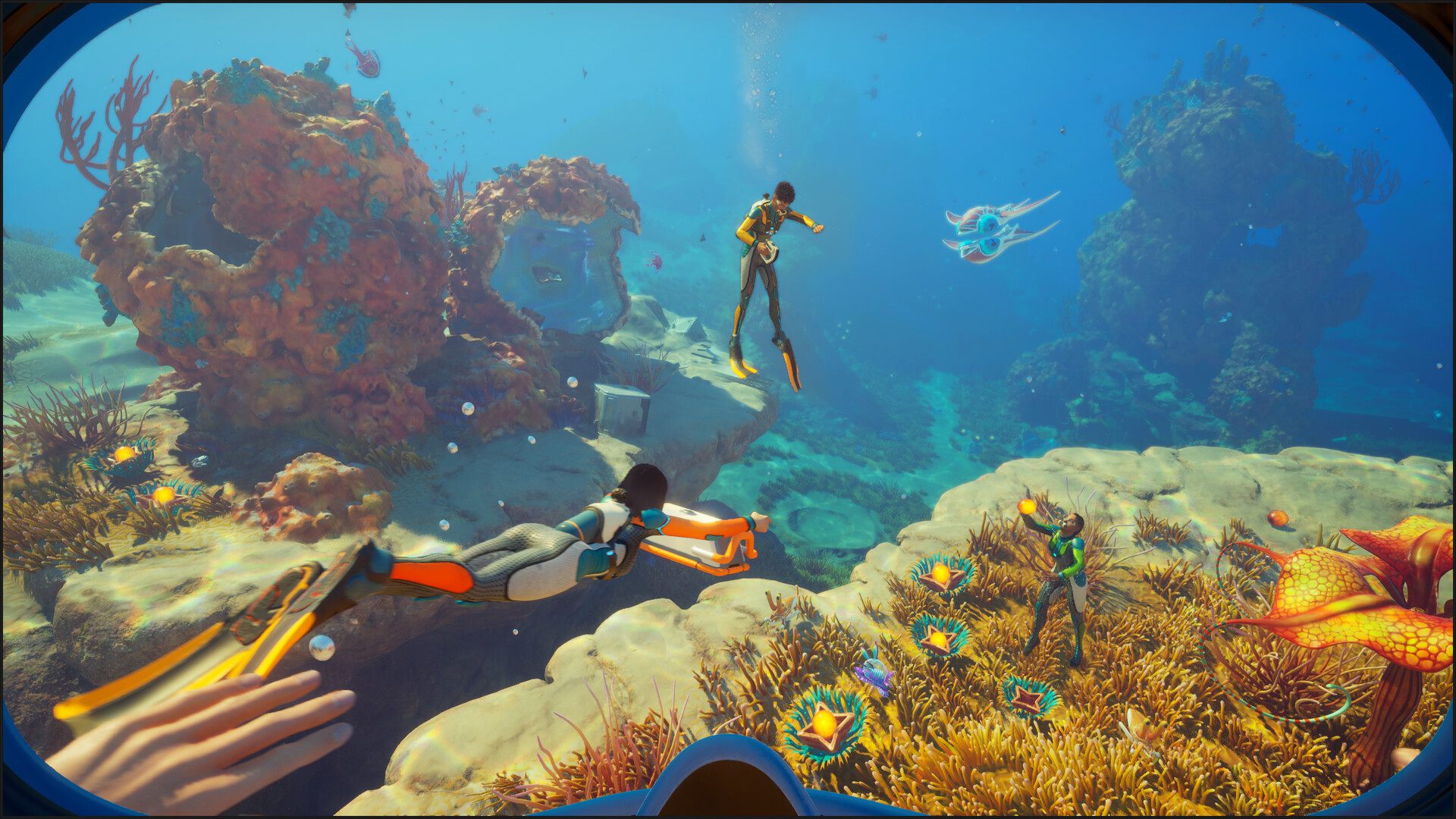
Experimental is Subnautica 2’s optional preview branch on Steam and Xbox. It lets you try upcoming changes early, but unfinished features and potentially game-breaking bugs come with that access. If you want to keep playing a long-term world, the default Early Access build is the safer choice.
Understand the saves before switching: Default and Experimental show their own saves, and progress cannot move between the branches. Unknown Worlds recommends backing up saves before a switch. Here is how to join on each platform, what changes for installation and multiplayer, and how to return to Default.
Join Experimental on Steam
With Subnautica 2 in your Steam library, select the branch in the game’s properties:
- Open your Steam Library and right-click Subnautica 2.
- Select Properties, then open Game Versions & Betas.
- Under Beta Participation, select Experimental.
- Close the window and let Steam finish downloading the build before launching the game.
Steam keeps one build installed at a time. Selecting Experimental replaces the default installation, but the branches’ saves remain separate. These are the steps in Unknown Worlds’ instructions.
Join Experimental on Xbox
Xbox Insider participation requires you to be at least 18 and either own Subnautica 2 or have an active Game Pass Ultimate subscription. Install the free Xbox Insider Hub on your Xbox console or PC, then:
- Open the Xbox Insider Hub and sign in.
- Go to Previews and select Subnautica 2 Experimental (Public Test).
- Select Join, wait for registration, and follow the installation prompt.
On Xbox, Experimental installs as a separate app alongside the stable version, so allow for extra storage. Unknown Worlds states the Xbox eligibility requirements.
Saves, Installation, and Multiplayer
If your Default saves disappear from the load menu while you play Experimental, that is how the separate branches work. They should appear again when you return to Default. Experimental saves appear only on Experimental. Importing or exporting saves between branches is unsupported; backing up before switching protects a world but does not make its save transferable to the other branch.
Everyone in a multiplayer session must use the same branch. Default players cannot join an Experimental session, or the other way around. Agree on a branch before arranging a co-op session.
Return to Default
Steam: Open Subnautica 2’s properties and return to the beta settings. Set Beta Participation to None, close the window, and wait for Steam to download the stable build. You can then launch the default Early Access version and see its saves again. According to Unknown Worlds Support, Steam downloads the differences between builds.
Xbox: Launch the existing stable Subnautica 2 app to play with your Default saves. You can also leave the preview if you want to keep only the default build. Each app displays its own saves.
Troubleshoot the Branch Switch
- Friends cannot join: Check that everyone is on Default or everyone is on Experimental.
- Default save seems missing: First check that you launched the default build. Default saves do not appear in Experimental.
- Xbox preview is absent from Insider Hub: Unknown Worlds advises installing the base game on the same console, then reopening the Hub.
- Epic has no Experimental option: The preview is currently unavailable there. Unknown Worlds says released major updates still reach the default build.
Experimental does not receive daily builds. Unknown Worlds plans updates shortly before major releases and may preview smaller fixes between them. To report a problem, use the in-game feedback tool; on Xbox, Report a problem in Insider Hub is another option. Include your platform, branch, the steps leading up to the issue, and whether you can reproduce it.
Sources
- store.steampowered.com
- subnautica.com
- www.unknownworlds.com
- support.subnautica.com
- support.subnautica.com
- support.subnautica.com
- support.subnautica.com
- support.subnautica.com
- support.subnautica.com
- support.subnautica.com
- support.subnautica.com
- support.subnautica.com
- news.xbox.com
- www.subnautica2guides.wiki
Cover Image: Unknown Worlds Entertainment · store.steampowered.com
Comments