Guide · Pilot DraftV Rising: set up admin access on a PC server
Add your Steam ID, then authenticate in-game with adminauth.
WWildforge RedaktionDraft · Event/Source Date 12. October 2026 · Updated 12. October 2026 · Version 1.1.x (PC / Windows)

These steps come from Stunlock’s Windows instructions for PC servers running 1.1.x.
Add your Steam ID
Open <PersistentDataPath>/Settings/adminlist.txt. Put each Steam ID on its own line. Stunlock says a server restart is unnecessary.
Authenticate in-game
Enable the console in the options and open it. The instructions specify the ~ key. Then run adminauth.
Use admin commands
You can now use commands including kick, banuser and unban.
Related guides and news
Sources
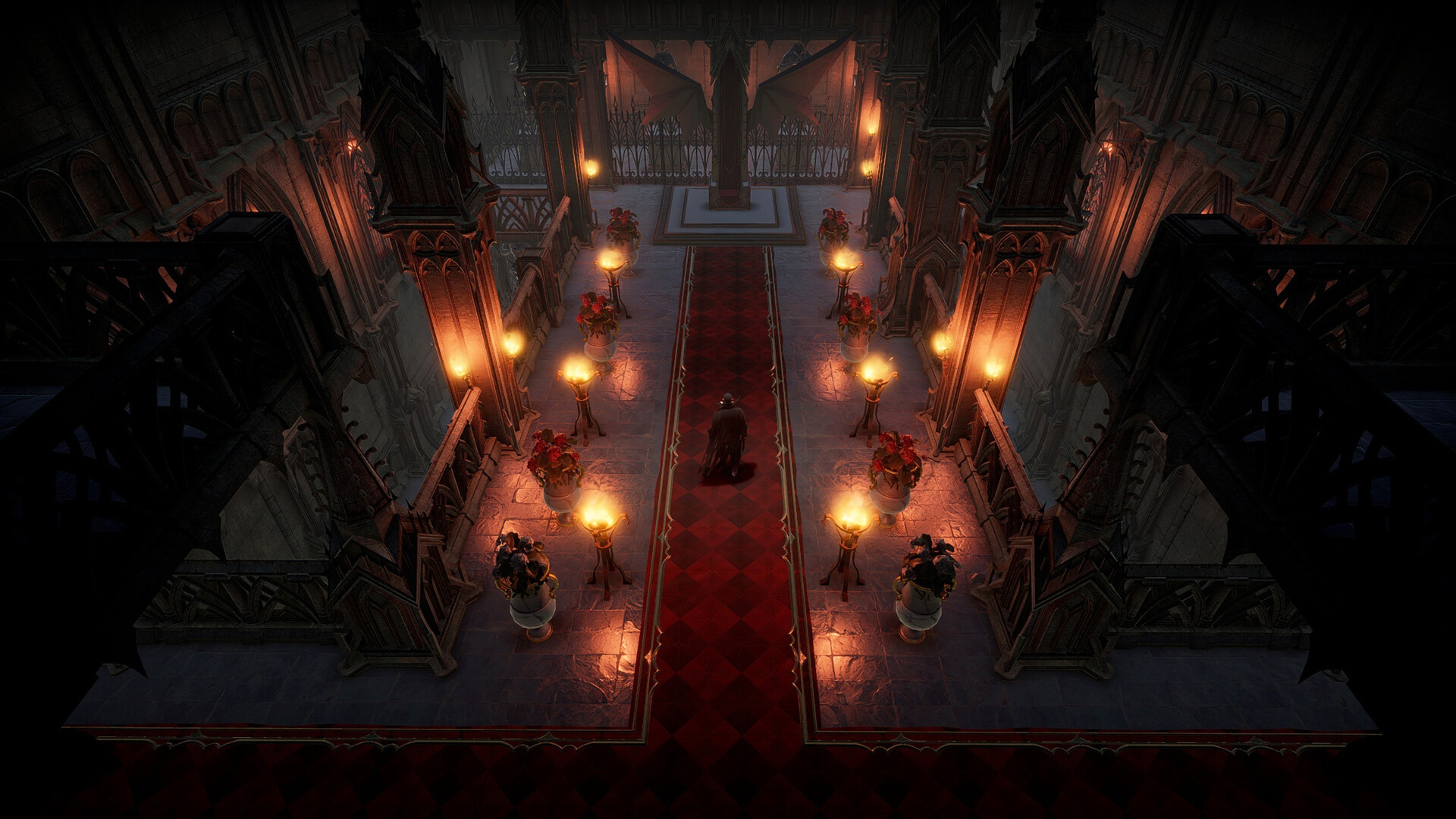
Cover Image: Stunlock Studios · store.steampowered.com
Report an error or suggest an improvement
GuideEvent: 12. Oct 20261 min read
Store your connection settings and game rules in the Settings folder under your data path.
↗
GuideEvent: 06. Oct 20262 min read
Official instructions use save generation v4. SaveName, data path and game rules must point to the copied world.
↗